Builder chat preview
Test your Agent in real time without leaving the builder. The live preview on the right side of the Agent Builder behaves exactly like the deployed chatbot — so you can validate instructions, tools, and knowledge base responses as you build.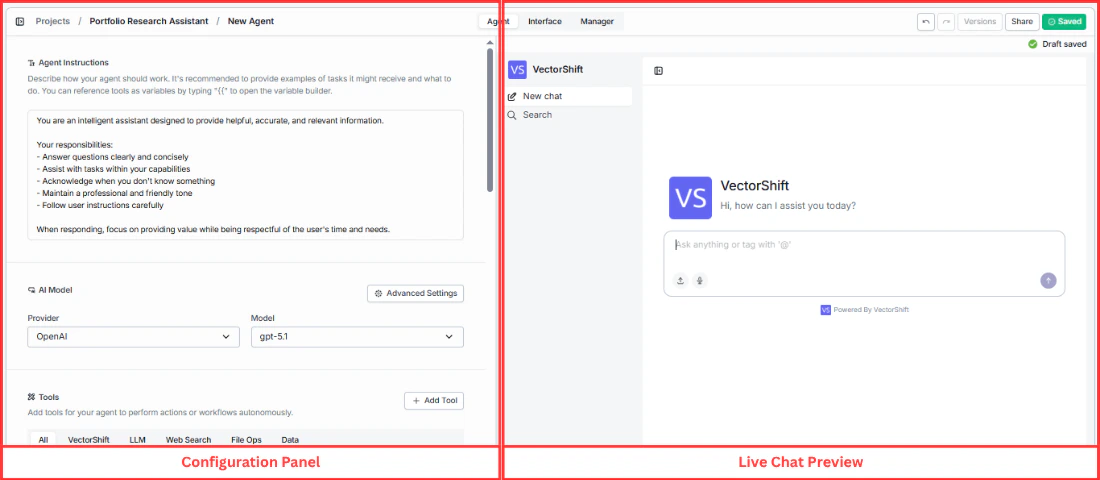
Deployed chatbot
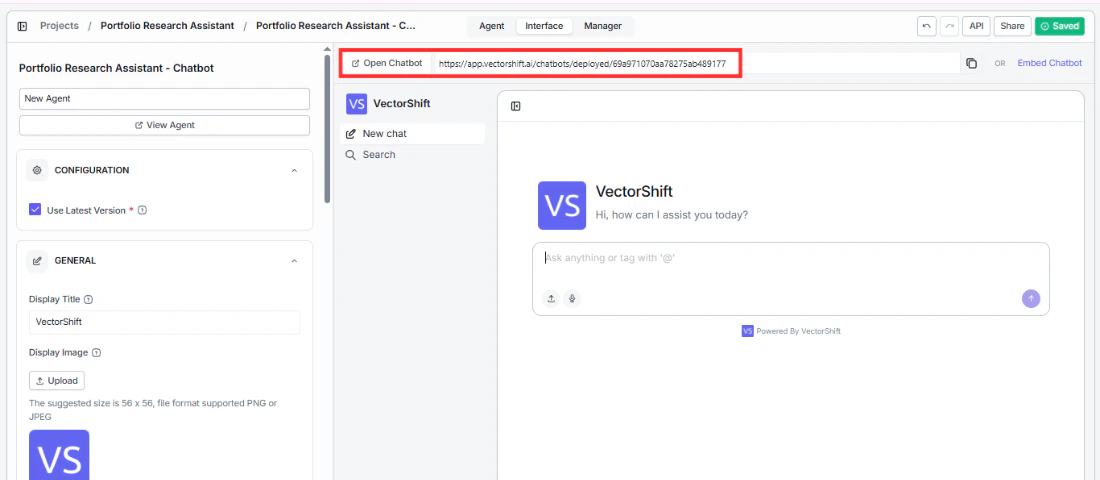
When your Agent is ready, click Open Chatbot in the Interface tab to launch the deployed version. Your chatbot gets a shareable URL that you can send directly to users.