
Saving
Your work in the Agent Builder is auto-saved as you make changes. You’ll see a Draft saved indicator in the top-right corner confirming this. To explicitly save, click the Save button in the top-right corner. The button will show a green Saved state when the save is complete.Versioning
Click the Versions button in the top-right corner to access version history for your Agent. This lets you manage and track changes over time.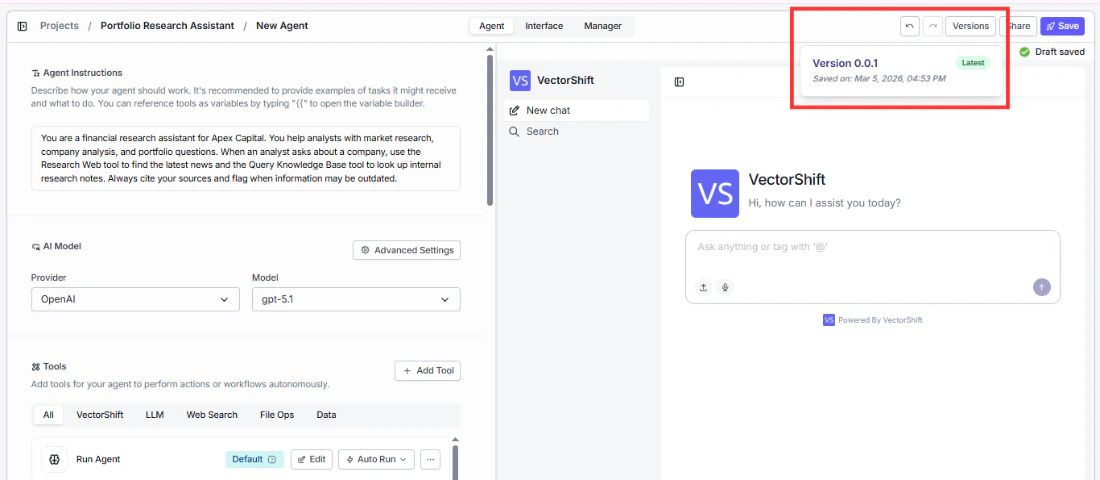
Before making significant changes to a working Agent, save a version first. This gives you a safe point to roll back to if the new changes don’t work as expected.