
Agents
Share with Teammates
Invite teammates to view or edit your Agent project
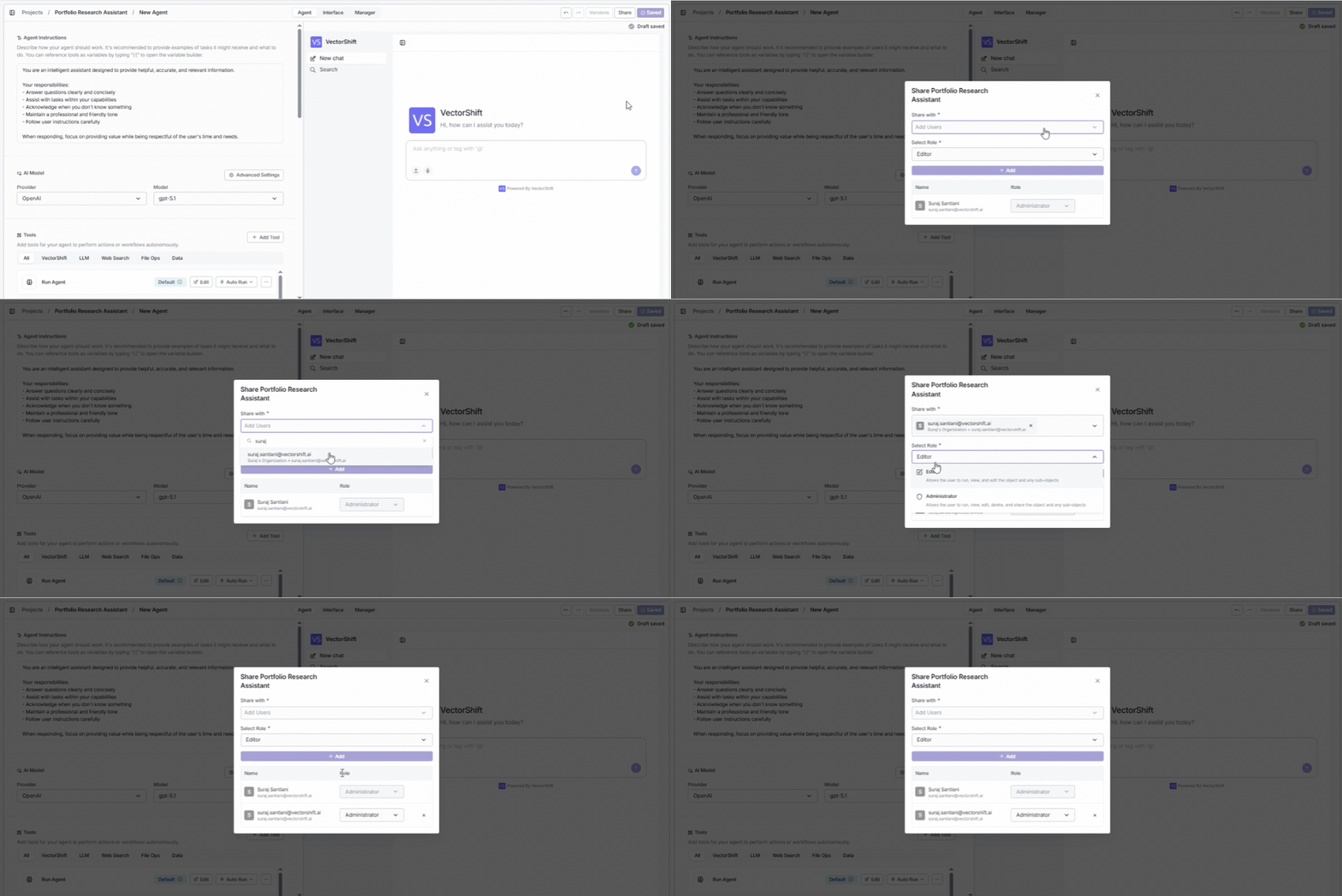
Collaborate on your Agent by inviting teammates as viewers or editors — so your team can build, review, and improve the Agent together.
To share your Agent, click the Share button in the top-right corner of the Agent builder (next to the Save and Versions buttons). This opens the share dialog: