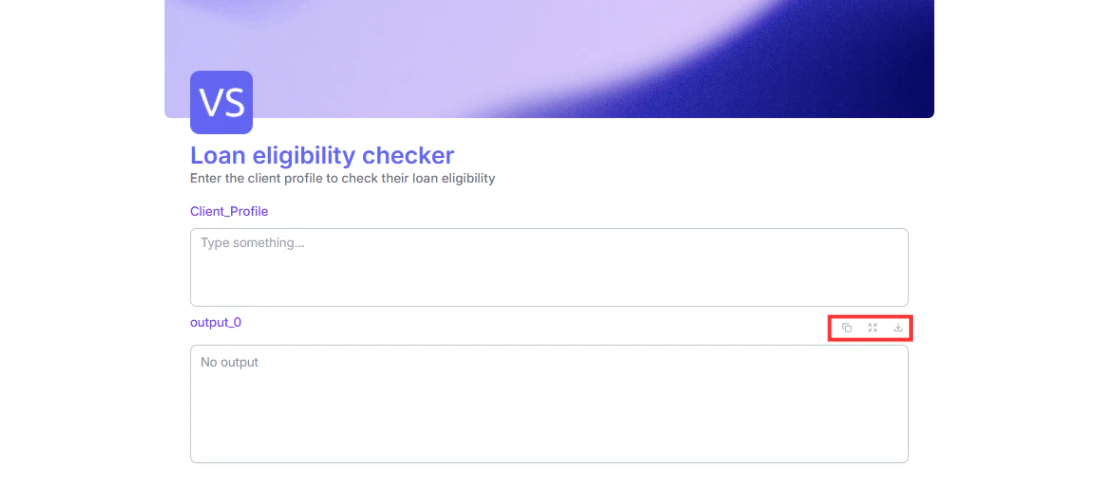
After a form runs, users can download the output in multiple formats. Look for the download option on the output block after a submission. Available formats are PDF, TXT, DOCX, and CSV.This is useful when your form produces a report, a document draft, or a structured data output that users need to save or share.
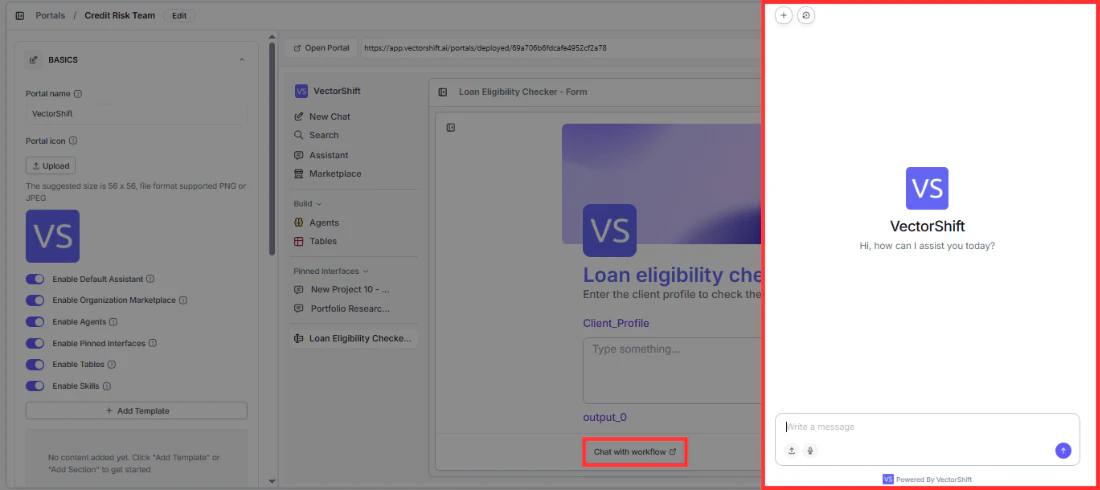
Once your form has produced an output, a “Chat with workflow” button appears at the bottom of the form. Clicking it opens a chat interface powered by GPT-4o that uses your form’s outputs as its starting context. This lets users ask follow-up questions about their results, request clarifications, or explore the output further in a conversational way.This is not a re-run of your workflow. It is a separate AI conversation that picks up where your form left off.
This is most useful for forms that produce complex outputs like financial risk assessments, loan evaluations, or regulatory compliance reports, where users often have follow-up questions after seeing the result.