> ## Documentation Index
> Fetch the complete documentation index at: https://docs.vectorshift.ai/llms.txt
> Use this file to discover all available pages before exploring further.
# Create List Node
> Create a list from its constituent elements
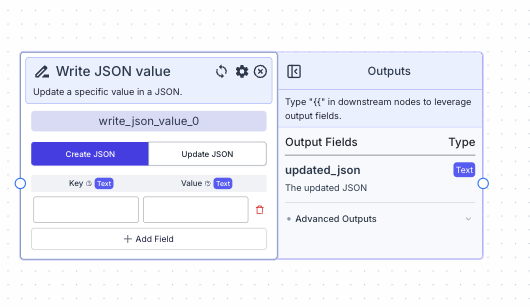 The create list node allows you to transform individual items to a list format.
For example, passing in “a” and “b” outputs: \["a", "b"].
## Node Inputs
1. Type: The type of list you want to create
* Type: `Dropdown`
2. Fields: The items in the list
* Type: `T` (based on the type of list you choose)
## Node Outputs
1. Output: The list created from the input items
* Type: `List`
* Example usage: `{{create_list_0.output}}`
## Considerations
* The order in which you input the fields is the same order in the output list.
## Example
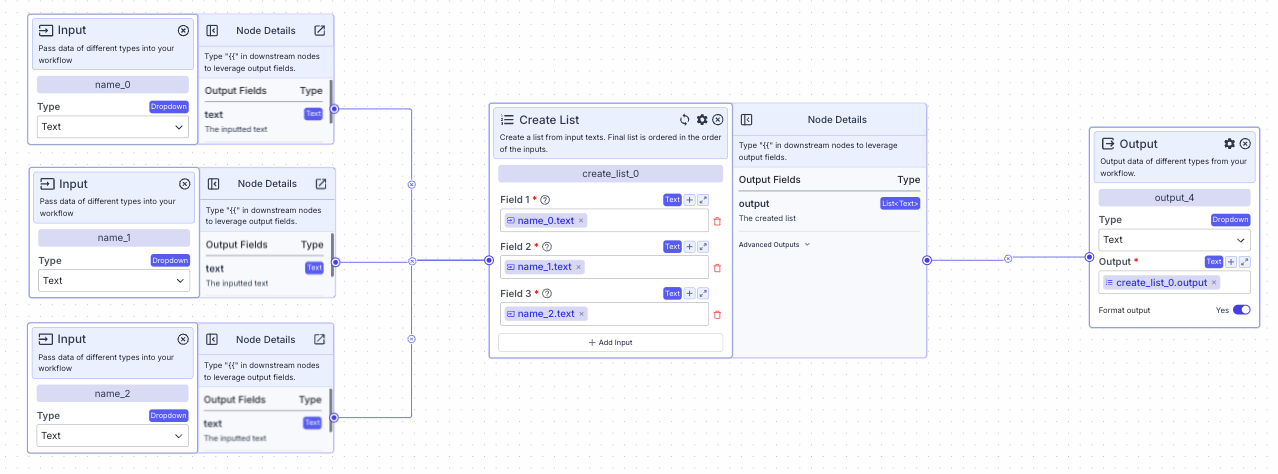
The below example is a pipeline for creating a list of 3 names.
If the inputs receive the following values:
* `name_0` : "John"
* `name_1` : "Adam"
* `name_2` : "Alan"
The output will be `["John", "Adam", "Alan"]`
The create list node allows you to transform individual items to a list format.
For example, passing in “a” and “b” outputs: \["a", "b"].
## Node Inputs
1. Type: The type of list you want to create
* Type: `Dropdown`
2. Fields: The items in the list
* Type: `T` (based on the type of list you choose)
## Node Outputs
1. Output: The list created from the input items
* Type: `List`
* Example usage: `{{create_list_0.output}}`
## Considerations
* The order in which you input the fields is the same order in the output list.
## Example
The below example is a pipeline for creating a list of 3 names.
If the inputs receive the following values:
* `name_0` : "John"
* `name_1` : "Adam"
* `name_2` : "Alan"
The output will be `["John", "Adam", "Alan"]`